AI on phones is shifting from cloud-first to on-device
You’ve probably noticed the shift in how phone “AI” gets marketed: features that used to feel like they lived in an app’s server—transcribing audio, cleaning up photos, summarizing text—are increasingly described as happening “on-device.” That change isn’t just branding. It reflects a practical rebalancing: phones are now shipping with dedicated neural processing hardware, and operating systems are exposing local model frameworks that developers can actually target.
Cloud-first AI made sense when phones were weaker and models were heavier, but it also made everyday features depend on signal strength, server load, and per-request costs. Moving more inference onto the phone can make common actions feel immediate and predictable, while reducing how often personal data needs to leave the device. The local models must fit tight limits—battery, heat, memory, and storage—so “on-device” often means smaller, more specialized models and a different pace of updates than a cloud service.
What’s driving the push: latency, privacy, and offline reality
Think about the moments when AI features feel most “real”: you tap a button to remove a photobomber, dictate a reply while walking, or ask for a quick summary before a meeting. When those actions round-trip to a server, you notice the delay—even on fast networks—because latency isn’t just your signal; it’s upload time, model queueing, and download time. On-device inference trims that to local compute, which makes interactions feel more like a tool than a request.
Privacy is the other obvious pressure. If a feature can run locally, developers can avoid sending raw photos, messages, or voice clips to a third party, which simplifies consent and reduces exposure in logs, breaches, and cross-border data handling. Offline reality seals it: airplanes, subways, rural coverage, and congested venues are normal. The local AI costs you battery, heat headroom, and storage, so phones often run smaller models or limit how often they can run them continuously.
On-device vs cloud AI: what you gain and what breaks
You feel the difference most when an AI feature is part of a “tap-and-go” routine. On-device AI can respond instantly, keep working in airplane mode, and avoid uploading sensitive inputs like family photos, clipboard text, or voice snippets. It also changes the economics: a feature that runs locally doesn’t quietly burn server budget every time someone uses it, which can make it easier for companies to ship always-available tools instead of throttled “free trials.”
What breaks is usually quality or breadth. Cloud models can be larger, more up to date, and better at open-ended tasks because they aren’t squeezed by phone RAM, thermal limits, or app download size. Local models may struggle with rare languages, niche knowledge, or long documents, and they can feel inconsistent if the phone is hot, low on battery, or multitasking. Updates are another trade-off: cloud AI can improve overnight, while on-device improvements often arrive with app updates or OS releases, and older phones may never get the newest model.
Hardware constraints that shape every on-device AI feature
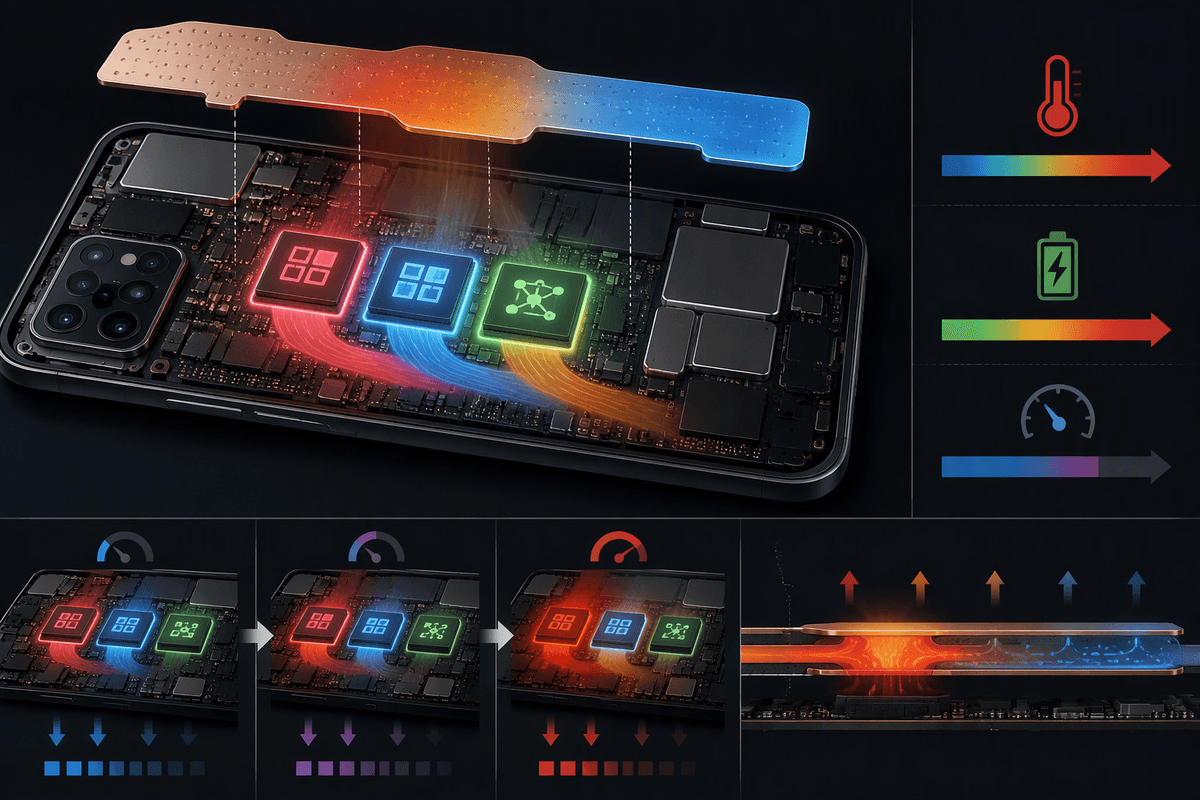
Picture using a “live” feature—real-time translation, voice cleanup on a call, or a camera mode that identifies scenes while you move. The phone has to run the model fast enough to keep up, but it also has to do it inside a tight power and heat budget. That’s why chip specs like CPU/GPU/NPU throughput matter less than sustained performance: a model that’s fine for a five-second burst can get throttled during a two-minute task once the device warms up.
Memory is the quiet limiter. Model weights plus working memory compete with everything else on your phone, so developers use smaller models, lower-precision formats, and tricks like loading only parts of a model when needed. Storage and app size matter too—shipping a 2–4GB model inside an app is a real cost for users on limited space or data plans. Even when hardware exists, the OS may restrict background compute, which forces AI features to be short, opportunistic, and designed around interruptions.
Design patterns that make on-device AI feel fast and useful
You can usually tell when a team designed for on-device constraints because the feature “starts working” before the full model finishes. A common pattern is progressive results: show a rough photo cleanup, then refine it if the phone stays cool and idle; start a voice transcript immediately, then backfill punctuation and speaker labels. Another is opportunistic compute—do heavier steps while the screen is on and charging, or right after you take a photo, rather than when you later open a gallery.
Interfaces also change. Instead of a single open-ended prompt box, on-device features often use bounded actions: rewrite in three tones, summarize to 3 bullets, remove background noise, translate this sentence. That keeps latency predictable and reduces failure modes. Caching matters too: store embeddings for your most recent notes or photos so “search” feels instant. These tricks add engineering cost and edge cases—handling interruptions, low-battery modes, and thermal throttling without making the feature feel random.
Security, personalization, and compliance: the real differentiators
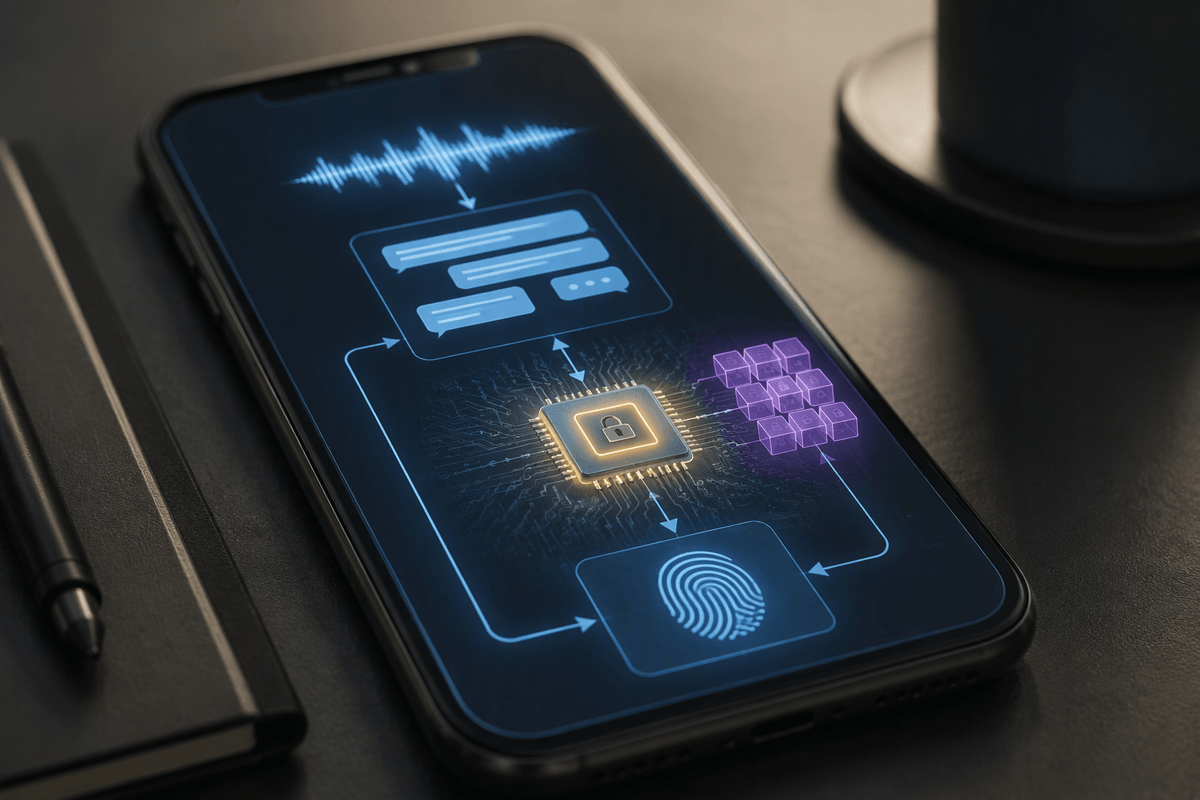
People often frame on-device AI as a speed play, but the sharper advantage is control: the data path is shorter, and it’s easier to prove what didn’t happen. If a voice memo is transcribed locally, there’s no server-side copy to retain, no vendor log to audit, and fewer places for sensitive content to leak. Phones can also lean on hardware-backed security—secure enclaves, encrypted storage, and biometric-gated keys—so an app can run a model without ever getting raw access to everything it touches. None of this is free: building a trustworthy local pipeline means careful permissioning, key management, and defending against model-extraction and prompt-injection style attacks.
Personalization is where local wins can feel “sticky.” A keyboard, launcher, or photo app can adapt to your vocabulary and habits without uploading a profile, which reduces consent friction and cross-border data issues. Compliance teams like that too: less data leaving the device can simplify GDPR/CCPA posture and retention policies, but it doesn’t eliminate obligations—telemetry, crash logs, and optional “improve the model” uploads still need clear controls and documentation.
How to decide what runs where for your next AI feature
Imagine you’re designing a feature someone will use in a two-second moment: tap to summarize a message thread, redact a screenshot, or clean up a photo before posting. Those are the cases that usually belong on-device, because the value is “it works right now,” even on weak signal, and you can minimize what leaves the phone. A simple test is to ask what’s worse: a slightly weaker answer that arrives instantly and privately, or a better one that sometimes waits, fails offline, or requires uploading sensitive inputs.
Cloud is a better fit when the task needs broad world knowledge, long-context reasoning over big documents, or rapid model iteration—things that benefit from large models and frequent updates. Hybrid designs often win in practice: do detection, indexing, and “good enough” drafts locally, then offer an explicit “upgrade” pass in the cloud. The real constraint is operational, not philosophical: on-device costs battery, storage, and QA across many chip variants, while cloud costs money per request and forces you to own uptime, latency, and data handling.
Where smartphone AI is heading as models and chips evolve
You’ll likely see more “two-tier” AI experiences: a small, always-ready model on the phone for instant edits, search, and drafting, plus an optional cloud step for long documents, niche questions, or higher-quality re-writes. Chips are improving, but the bigger change is software plumbing—OS-level model runtimes, shared embedding indexes, and standardized privacy controls—so apps don’t each ship their own multi-gigabyte stack.
The sustained AI still heats phones, drains batteries, and varies wildly across devices. Expect clearer feature gating (“works on-device on these models”) and more tasks scheduled for charging or idle time. A useful rule of thumb: if it must be immediate or private, it trends local; if it must be best-possible, it stays hybrid.