Why deepfakes changed from novelty to everyday risk
A few years ago, most deepfakes were easy to spot and mostly used for jokes or demonstrations. That changed when voice cloning and face-swapping became cheap, fast, and built into everyday tools. You no longer need a studio, a specialist, or hours of source footage; a short clip from a webinar, voicemail greeting, or social post can be enough to imitate someone convincingly.
The risk also shifted because distribution got easier. A fake call can be placed in seconds, and a synthetic video can be sent directly to the one person who controls a payment, password reset, or approval. Even when the fake is discovered, the cost is real: delayed decisions, damaged relationships, and time-consuming investigations to prove what actually happened.
Where the real harm shows up: money, trust, and access
You tend to feel the impact of deepfakes in three places: money, trust, and access. The money case is the cleanest: a “CEO” calls a finance lead with urgency, a “vendor” sends updated banking details, or a “client” approves a change on a video call. The amounts vary, but the pattern is the same—pressure plus plausibility, aimed at the fastest payment path.
Trust damage is slower and often harder to price. A convincing clip can strain workplace relationships, undercut a public figure’s credibility, or force a school or newsroom to spend days validating a claim before acting. Access is the quietest win for attackers: a cloned voice used for help-desk verification, a fake video used to pass a remote onboarding step, or a synthetic message that tricks someone into handing over a one-time code. The practical constraint is time: verification adds friction, but skipping it concentrates risk.
The most common attack paths using generated audio and video

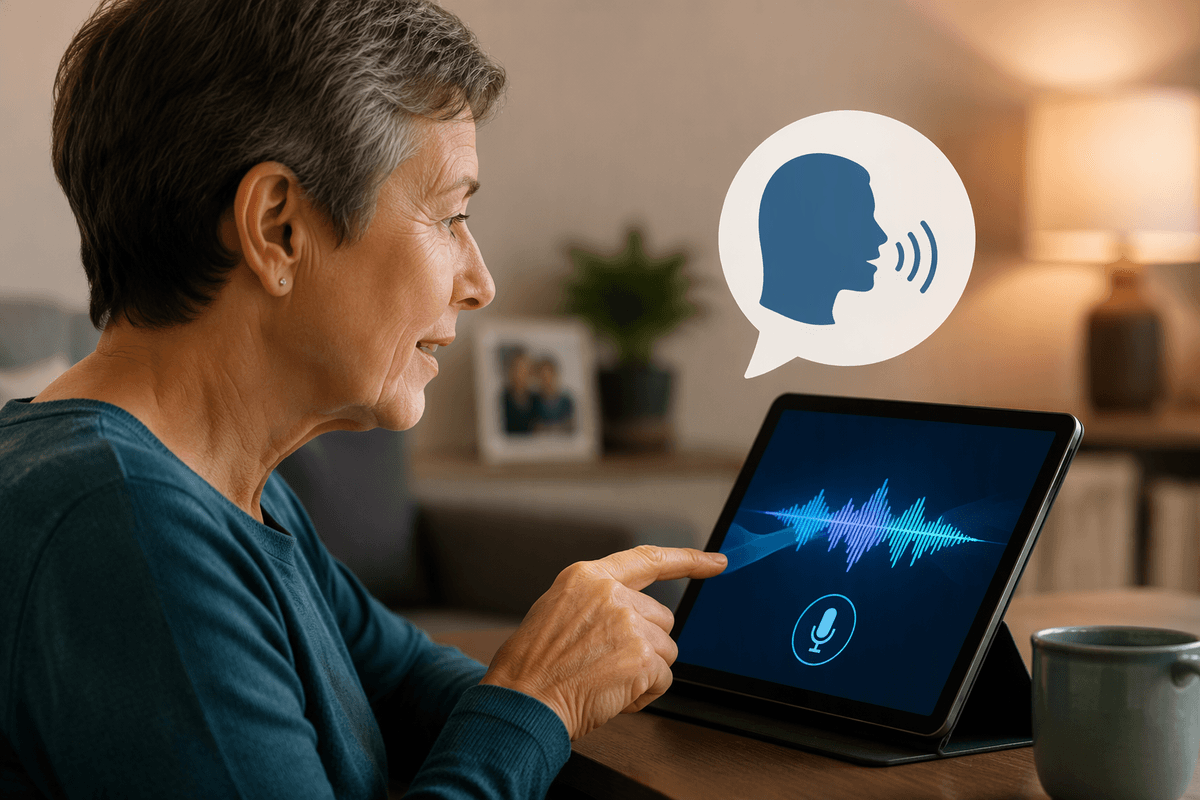
The most common audio-and-video deepfake attacks don’t look like Hollywood; they look like routine work happening slightly faster than usual. The first path is real-time voice impersonation: an attacker calls during a busy window, mirrors a leader’s cadence, and pushes for a wire, gift cards, or a “quick” change to vendor payment details. The second path is meeting hijack-by-credibility: a short synthetic “I approve this” video, or a face-swapped presence on a call, used to bypass the hesitation that would normally trigger a second check.
The third path targets identity checks. Many help desks and service providers still treat voice, a selfie video, or a brief live call as strong proof of identity, especially for remote staff and high-turnover roles. Attackers combine a deepfake with basic personal data from leaks or social posts, then steer the process toward password resets, SIM swaps, or account recovery. The organizations adopt these workflows because they’re cheaper than in-person verification, but that convenience creates a predictable weak point.
Text generation risks: phishing at scale and poisoned information
You’ll usually encounter “deepfake” risk first as text, because it’s the cheapest format to generate and the easiest to customize. Phishing used to rely on sloppy templates; now messages can match a colleague’s tone, reference real projects, and arrive in multiple channels—email, Slack/Teams, SMS—until one lands during a hectic moment. Attackers also use text generation to run long conversations that feel normal: they answer questions, provide plausible context, and keep the request small (“can you just confirm this code?”) until they have access.
The other text problem is poisoned information: believable but wrong explanations, screenshots, “policy updates,” or fake documentation that gets forwarded, cited, or pasted into internal docs. It’s especially effective when people are already uncertain and want a quick answer. The constraint is workload: checking sources and calling a known contact takes time, so people default to what reads smoothly, even when the stakes are high.
Detection reality check: what tools can and can’t prove

You’ve probably seen “deepfake detectors” that promise a simple real/fake answer. In practice, most tools are better at flagging risk than proving authenticity. They look for patterns in pixels, audio artifacts, compression traces, or inconsistencies in how a file was produced and edited. That can help you prioritize what to review, but it’s not a courtroom stamp of truth, especially after a clip has been re-encoded, screen-recorded, cropped, or run through multiple apps on its way to you.
The more reliable signals are often boring. Provenance features (where available) can show when and how an image or video was captured and whether it was altered, but they only work if the content was created in a compatible workflow and the metadata survived sharing. Reverse image search and frame-by-frame checks can expose recycled footage, yet they fail on brand-new synthetic content made for one target. The strong verification usually means process—known contact callbacks, controlled channels, and keeping original files—not just software.
Practical safeguards that reduce risk without slowing work
Most safeguards that work in practice look like small workflow tweaks, not sweeping new tools. The first is a “known-path” rule for high-impact actions: payments, bank-detail changes, password resets, and account recovery only happen through a predefined channel you control (a ticketing system, an approved vendor portal, or a call-back to a number on file). A deepfake can be persuasive, but it can’t easily pass a process that requires leaving the attacker’s channel and re-authenticating through your own.
Second, separate authority from urgency. Make “same-day exception” requests slower by design: require two people to approve out-of-band, or require a short delay unless a documented criterion is met. This sounds like friction, but it’s targeted friction; most routine work stays fast, while the most exploited path—rushed one-person decisions—gets protected.
Third, reduce what attackers can mimic and what staff can be tricked into sharing. Limit public audio/video of executives when possible, tighten help-desk scripts so voice alone never unlocks an account, and use phishing-resistant MFA for critical systems. The real cost is coordination and training time, plus occasional annoyance when a legitimate request hits the new checks, but that cost is predictable compared to incident cleanup.
When a deepfake incident hits: triage, comms, and recovery
The first hour matters more than the first explanation. Treat the clip or call as potentially hostile: preserve originals, note who received it, when, and through which channel, and pull related logs (email headers, chat exports, call records). If money or access is involved, freeze the transaction path and reset credentials through your known process, not through whatever channel delivered the request.
Communication should be plain and timed. Tell affected teams what to ignore, what to escalate, and the one verification method you trust right now (for example, call-back to numbers on file). Avoid debating authenticity in public threads; focus on actions and impact. Recovery usually costs more time than expected: re-validating prior approvals, re-issuing MFA, informing vendors, and tightening the exact workflow that was exploited so the same trick can’t be replayed.